

64 KB · .deb for amiaOS and Debian, Ubuntu, Mint · Install from the command line
About
Somewhere inside you, a song is waiting. Consoul Studio is where it wakes up.
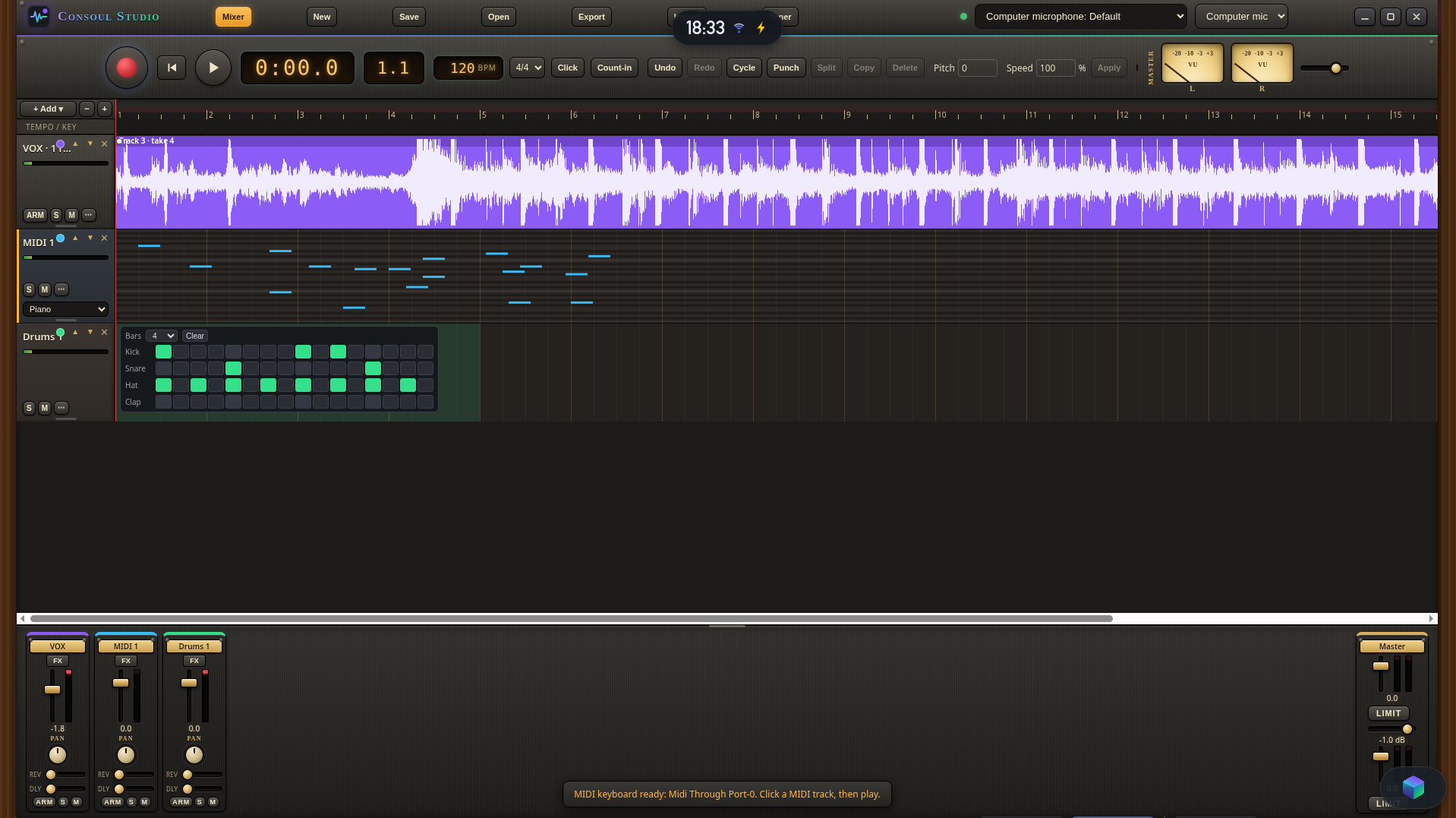
Step into a warm glow of brass, light and sound. Record every voice and string, summon instruments and rhythms, and shape it all into something that feels alive. Tune, mix, layer and let it breathe, then carry it out into the world as a finished song.
No clutter. No noise. Just you and your music, in a place that feels like home.
Your Songs. Your Soul.
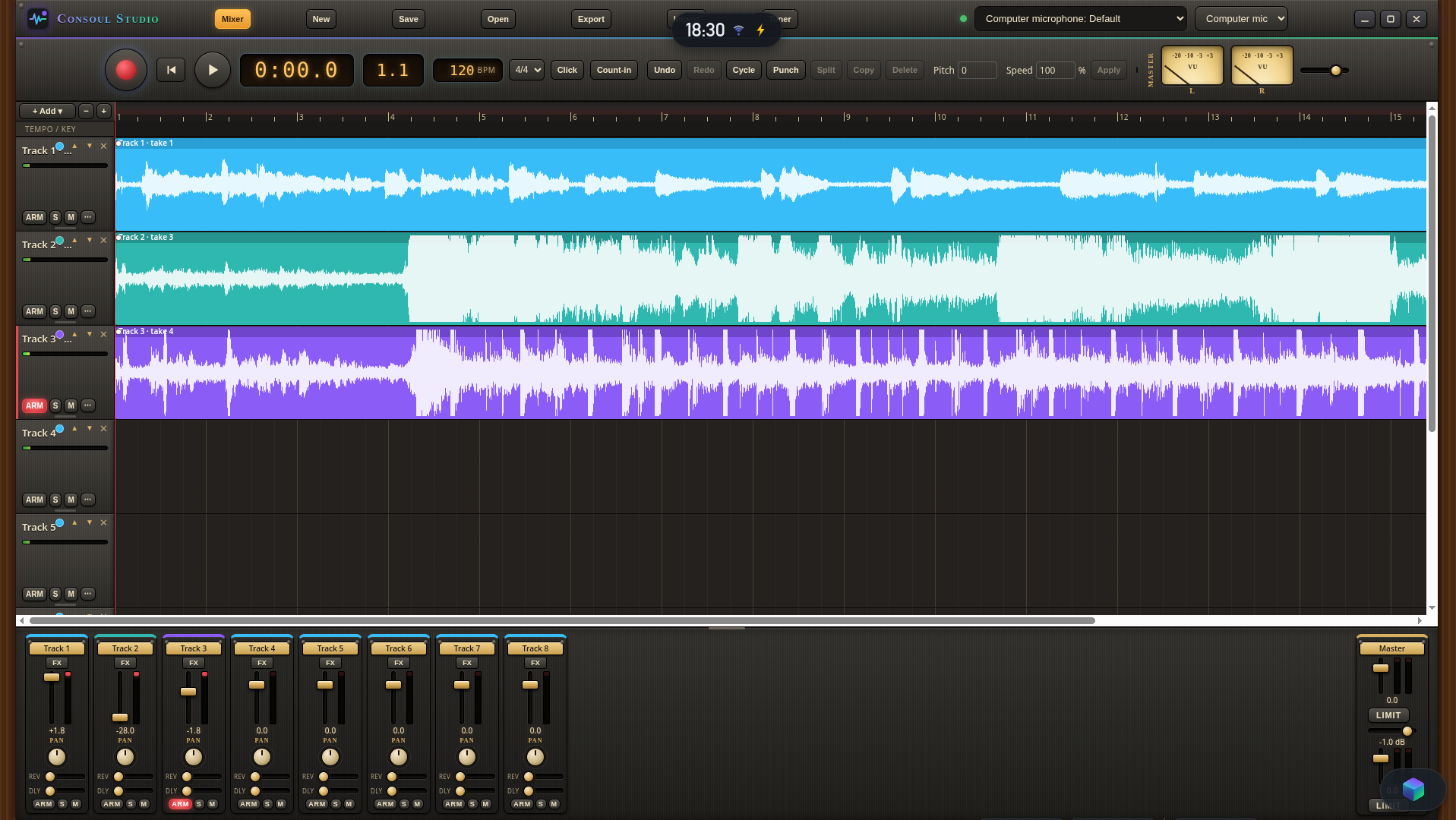
Consoul Studio is a complete digital audio workstation (DAW) with the feel of a classic analog recording console. It comes standard with amiaOS and also runs on other Linux-based computers.
Core features
- Record with or without an audio interface. Plug in your interface for a session, or use your computer’s built-in mic to capture a melody or riff the moment inspiration hits.
- Unlimited tracks. Build sessions as large as your computer can handle.
- Multitrack recording and overdubbing. Record multiple inputs at once or add a new part while your existing tracks play.
- Waveform timeline. Edit and arrange your recordings.
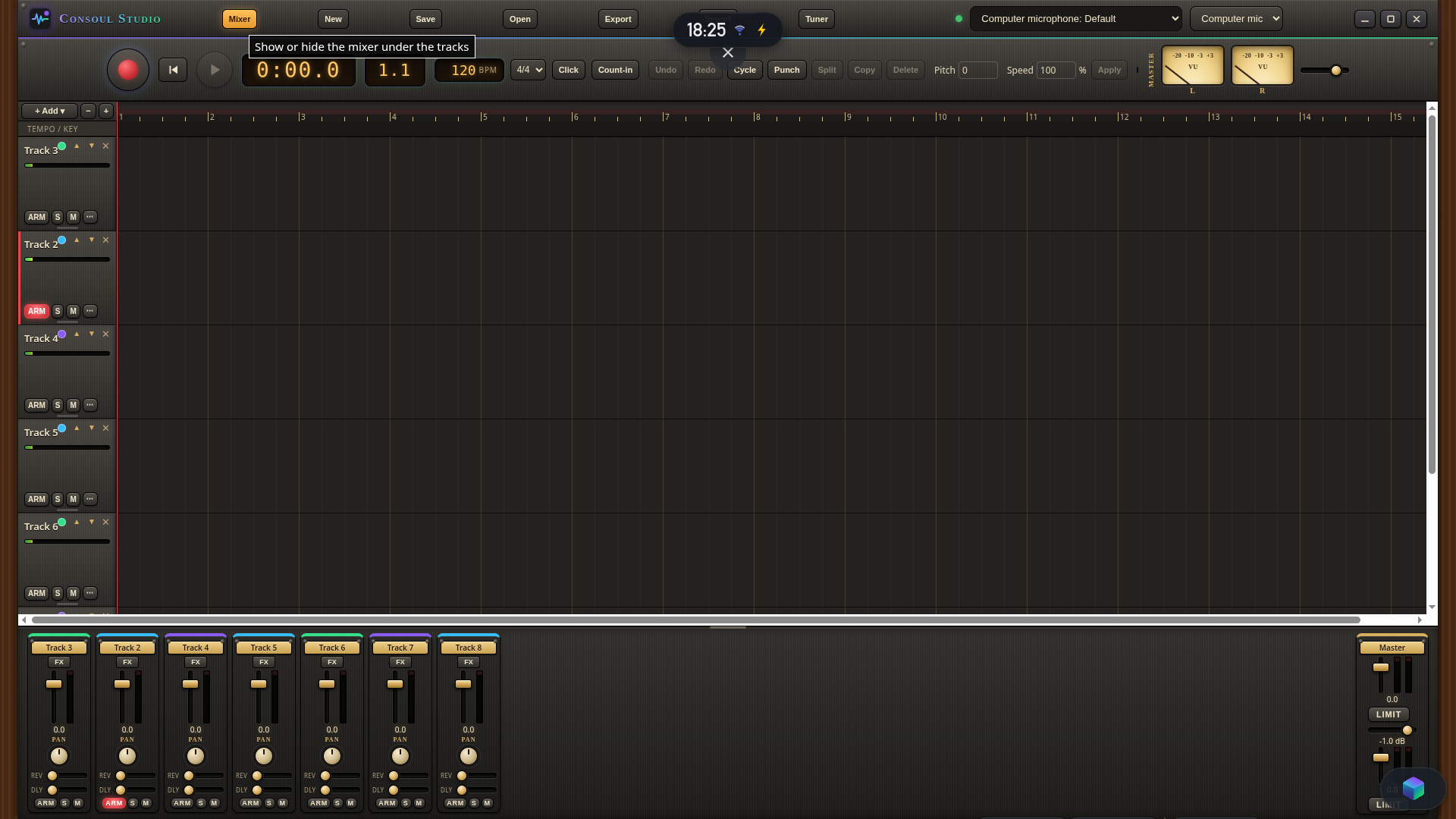
- Console-style mixer. Adjust volume, pan, mute, and solo on each track, with a stereo master for the full mix.
- Project saving and stereo WAV export. Reopen a session to keep working or export your finished mix to share.
Install from the command line
On Debian, Ubuntu, Mint or any apt-based Linux, one line installs the newest version (it checks the download against the store's checksum first):
curl -fsSL https://apps.manji.ai/i/consoul-studio | shOr in two steps:
curl -fLo manji-app-jdvrr8-consoul-studio_0.0.57_all.deb https://manji.ai/api/store/deb/rel_139c039c8b5922d8
sudo apt install ./manji-app-jdvrr8-consoul-studio_0.0.57_all.debsha256 01c7dd614a936d155219044404f685706dedb038a14235c7d6e66a4f730d1b12 · Source v0.0.57 (.tar.gz, 74 KB)
Reviews
Talk about it
Details · maker, releases, permissions, source, licence
What it can touch
Its maker hasn't listed what it uses yet.
Every release, in the maker's words
v0.0.57 · Nov 10, 2026
New project button: save the current work, then clear the studio for a blank project: New project button: save the current work to a file, then clear the studio for a blank project
v0.0.56 · Nov 9, 2026
Intro music: play Pink Lips under the opening screens and fade it out as the intro fades into the program: Intro music: Pink Lips plays under the opening screens and fades out as the intro fades into the program
Source
Published from the maker's own computer with every release. Download source v0.0.57 (74 KB)
Licence
MIT License (MIT)
How to install
Download the .deb (v0.0.57, 64 KB), then install it with apt:
sudo apt install ./manji-app-jdvrr8-consoul-studio_0.0.57_all.deb
It installs under /opt/manji-apps and runs no install scripts. Remove it with sudo apt remove manji-app-jdvrr8-consoul-studio.